Queue Tags
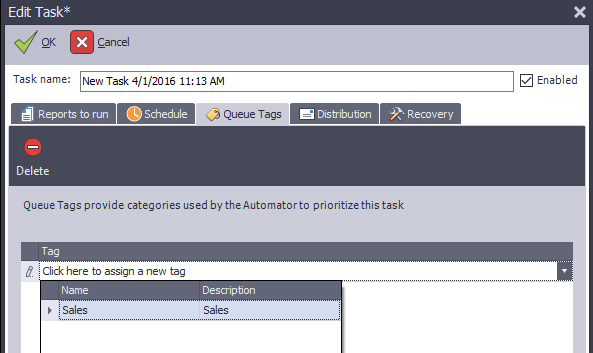
Queue Tags allows a task to run in a specific queue. A user must have the 'Can Add Tags to Tasks' permission to do this.
| To | Do this |
|---|---|
| Assign a task to a specific queue or multiple queues | Go to the Queue Tags tab and open the Tag drop-down list. |
| Create a tag | Request a new tag to be created from your DAS Administrator. Please see the DAS Administrator guide for more information. |
| Assign a tag to a queue | Under the Server's info in the Server Setup area, each queue will have "Assigned Tasks or Task Tags" where additional tags may be assigned. |
| Assign a tag to a task | Go to the Queue Tags tab and open the Tag drop-down list. |
Note
Queue Tags are configured by your Automator Administrator.