Specify Financial Periods
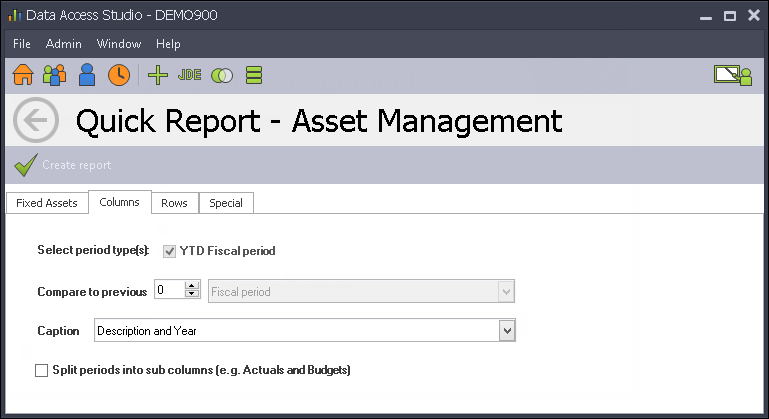
You show amounts by Year-To-Date period. You can also compare period amounts to amounts in previous periods or years.
| To | Do this |
|---|---|
| Compare to previous Fiscal periods | Change the Compare to previous number to the number of periods you want to compare against. Set the option box next to the number to Fiscal period. |
| Compare to previous Fiscal quarters | Change the Compare to previous number to the number of quarters you want to compare against. Set the option box next to the number to Fiscal quarter. |
| Compare to previous Fiscal years | Change the Compare to previous number to the number of years you want to compare against. Set the option box next to the number to Fiscal year. |
| Compare to previous YTD Fiscal periods | Change the Compare to previous number to the number of periods you want to compare against. Set the option box next to the number to YTD Fiscal period. |
| Compare to previous Fiscal QTDs | Change the Compare to previous number to the number of quarters you want to compare against. Set the option box next to the number to Fiscal QTD. |
| Change the Caption for the period columns | Select the desired caption setting from the Caption drop down: Description and Year, Period Number and Year, or Period Month Description and Year. |
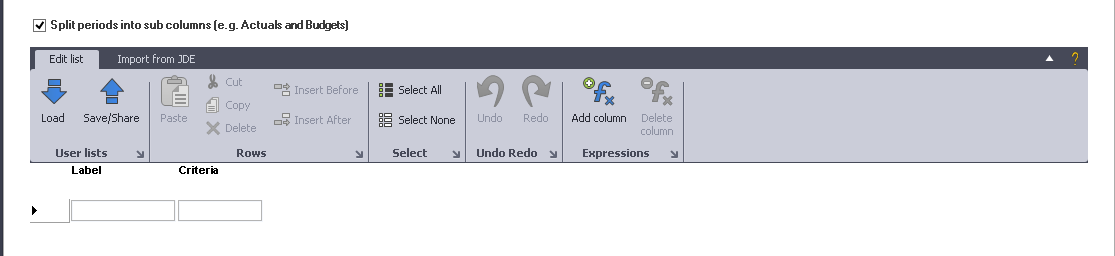
| Split period values (such as Actuals and Budgets) | Check the Split column values by criteria. Once checked, see Financial Column Rollup to specify how to split the period values. |