Skins
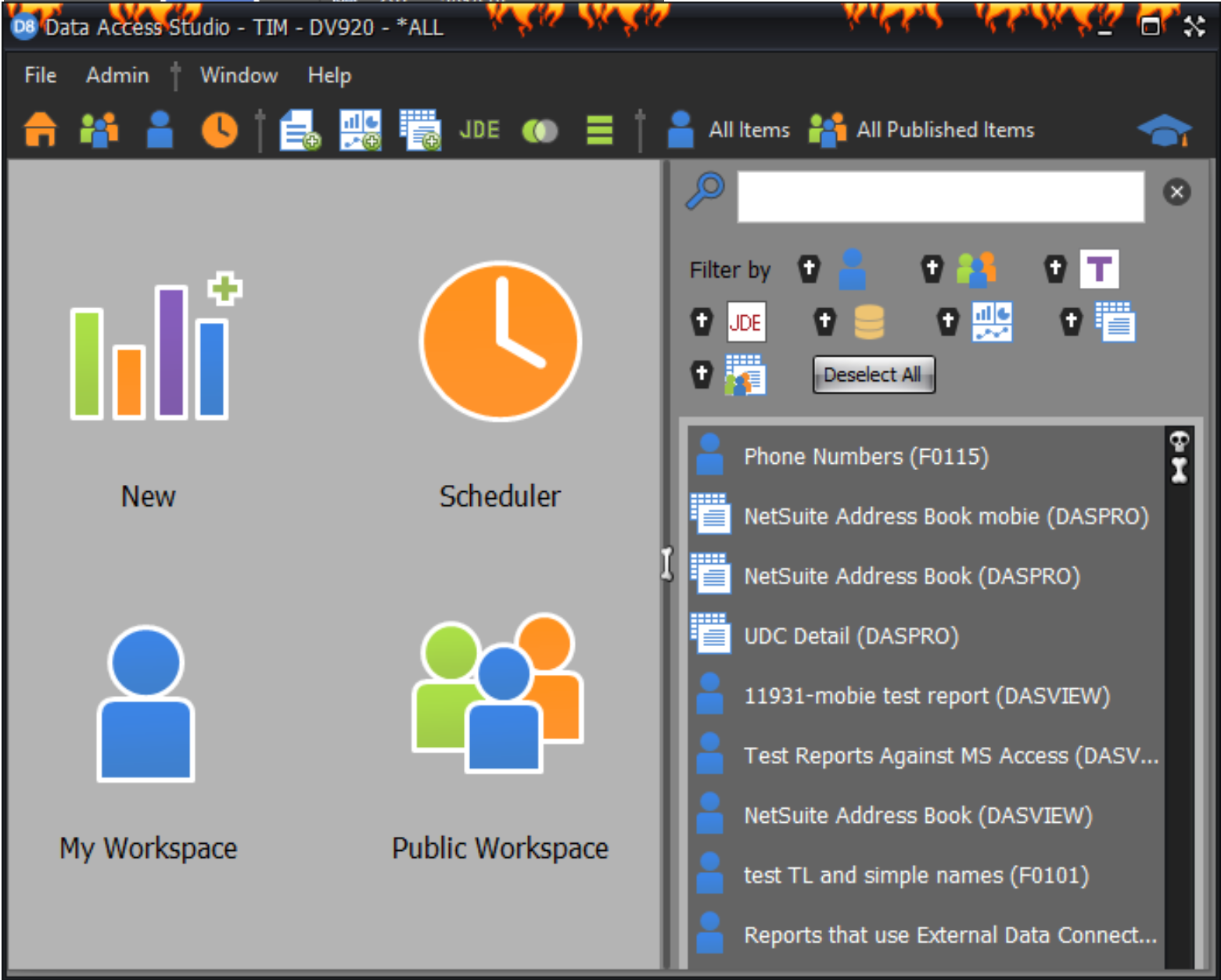
All individual DAS users will have the ability to select Window > Skins at the top of their DAS interface to adjust the appearance of the software.
The default skin is Office 2016 Colorful.
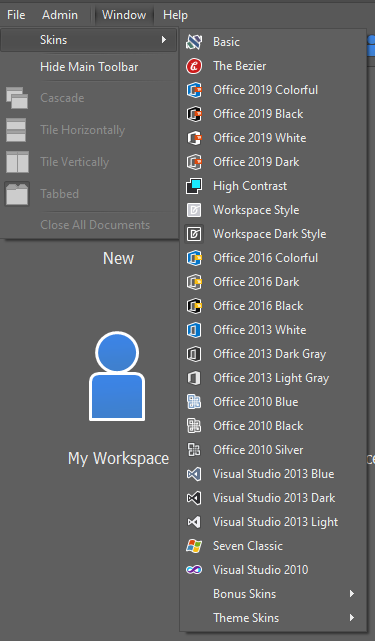
By selecting one of the Skins available, you will see that the interface of DAS will adjust without impacting any physical settings. See example below.