
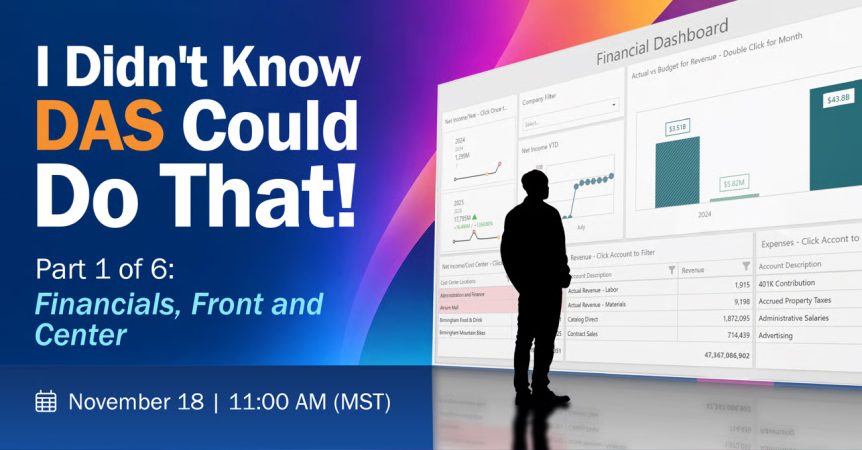
Our six-part I Didn't Know DAS Could Do That! series delivers fast, focused lessons you can put to work right away. In 45 minutes, we'll give you a packed lineup of tips, tricks, and features that help solve everyday reporting challenges.
The first session: Financials, Front and Center
Most finance teams know Data Access Studio (DAS) as a report writer. Few realize how much manual work it eliminates! You don't have to join tables by hand, maintain dozens of near-identical report versions, or stay tied to your desk to send reports at exactly the right time. From pulling in external budgets to analyzing with drill downs, let DAS do the tedious financial work for you.
You'll see that DAS can do all of this, plus more:
Automatic Joins & Relative Periods
No table joins to build and no hard-coded column titles. Periods and data adjust automatically from parameters.
External Budgets & Custom Rows
No table joins to build and no hard-coded column titles. Periods and data adjust automatically from parameters.
Fewer Versions, Less Maintenances
Replace stacks of near-identical report versions with parameter-driven reports, plus a tip for faster-running joins.
Drill Downs & Bring Backs
Analyze your data further: drill down to see the details or bring them back to add them to your report.
One Look, Company Wide
Publish shared lists and DAS Styles so every report and dashboard carries a consistent, professional look.
Self-Updating Columns
Build period, YTD, and prior-period columns once, and they keep themselves current as dates change.
Wed, November 18, 2026
11:00 AM - 12:00 PM MST
We can’t wait to see you there!